
Product overview
One workspace for project discovery, portfolio planning, and execution
Search structured project plans, explore detailed project information, build portfolios, track work across a shared grid, and launch task-linked apps without leaving the platform.
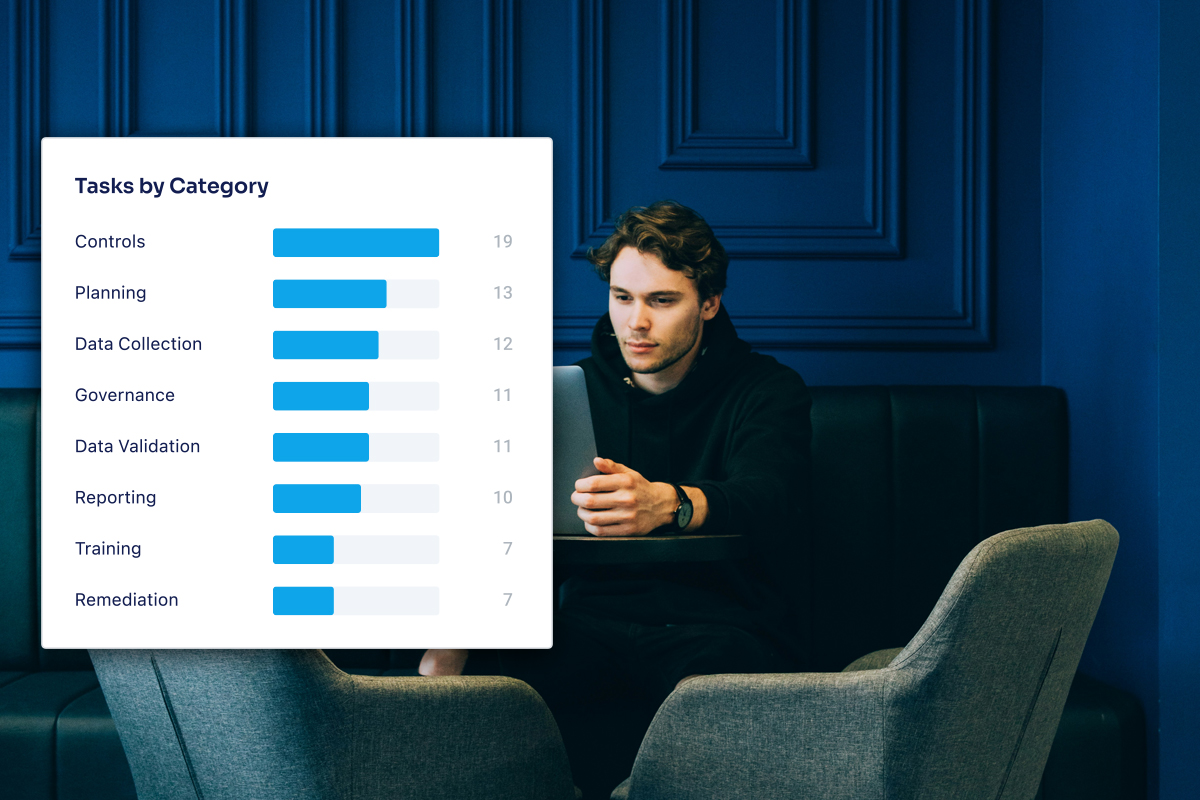
Product walkthrough
From search to delivery
Explore the core workflows behind search, portfolios, tracking, apps, and AI.
Start with search, not signup
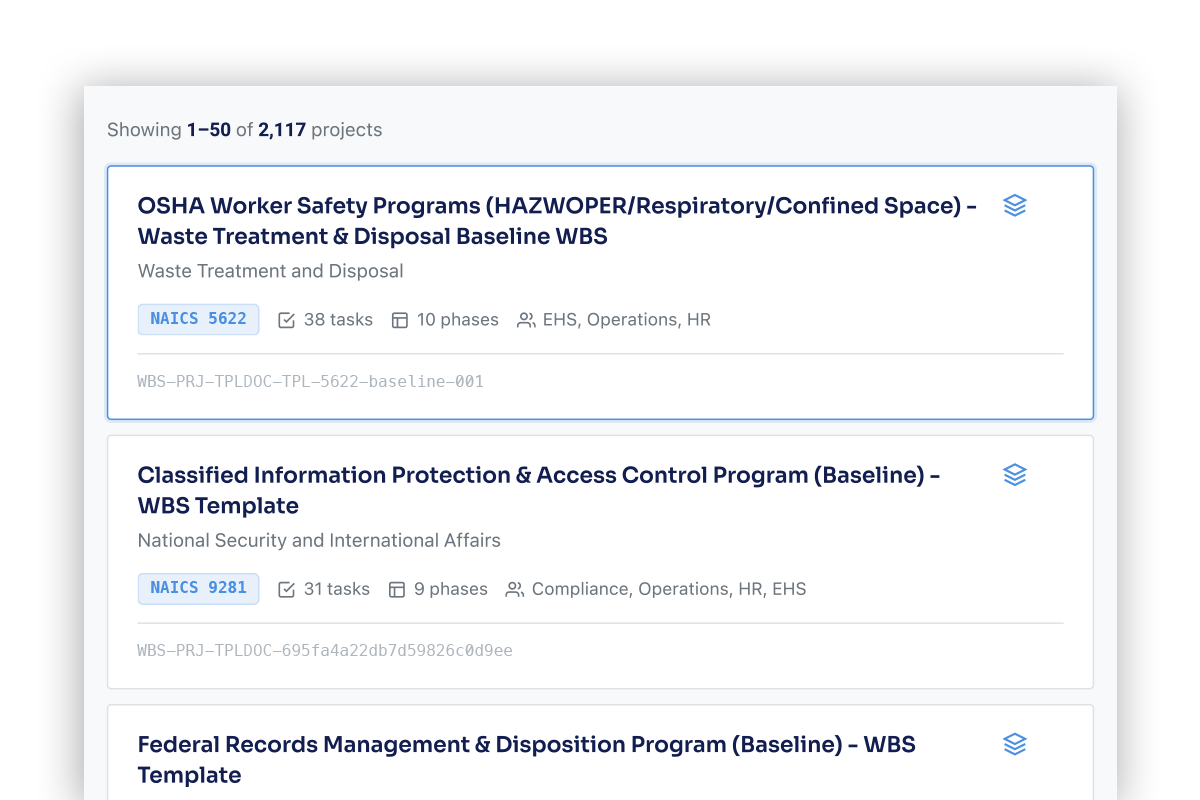
Use the search page to find projects by keyword, industry, or role. Results update as you type, and filters help narrow the catalog to the work matching your needs.
Explore before creating an account
Visitors can browse the catalog and open project details without signing in, making the product useful from the first interaction.
- Search by keyword, NAICS industry, or role
- Preview projects directly from search results
- Begin exploring with no account required
Portfolio workspace
Manage real work, not just static plans
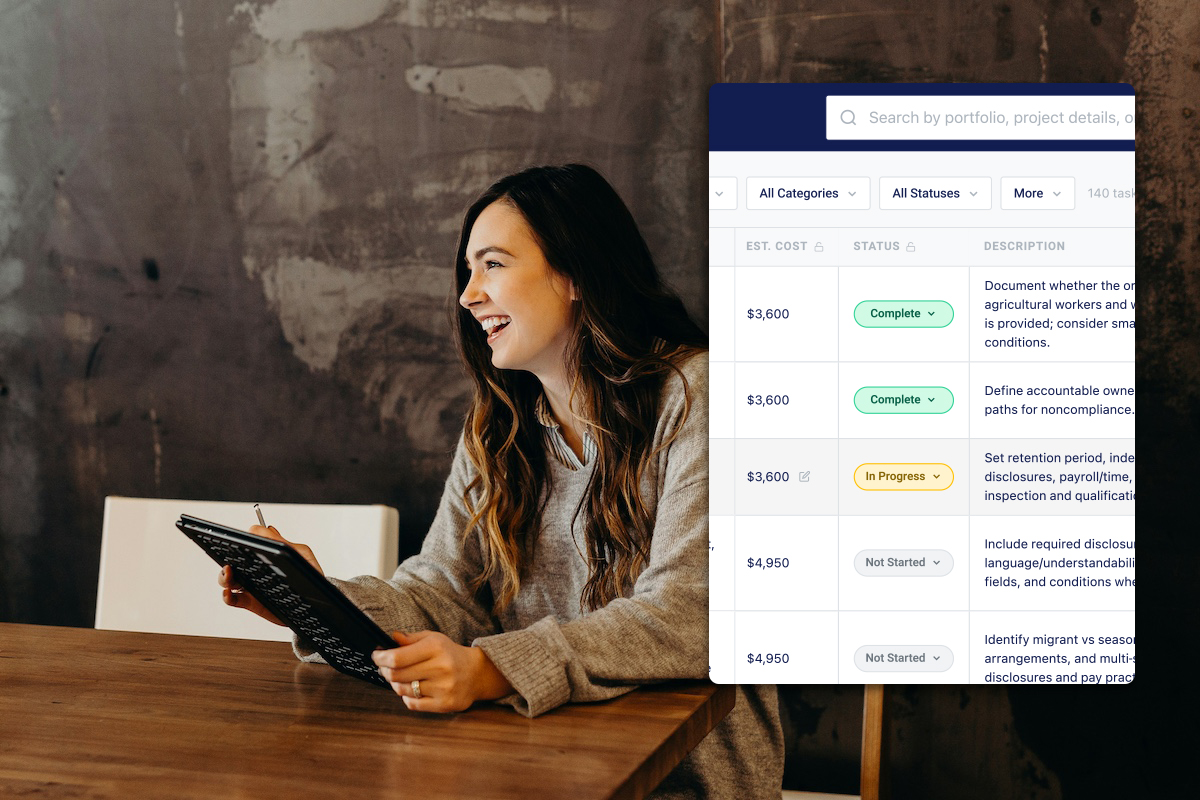
Track task status, dates, cost, dependencies, obligations, evidence, and notes across all projects in a portfolio. Use the grid, dashboard, timeline, and resources tabs to keep execution visible.
- Work from a spreadsheet-style grid built for portfolio execution
- Open row-level details in a slide drawer without losing context
- Use metrics and timeline views to see what needs attention next
Apps and AI
Get help and complete work in context
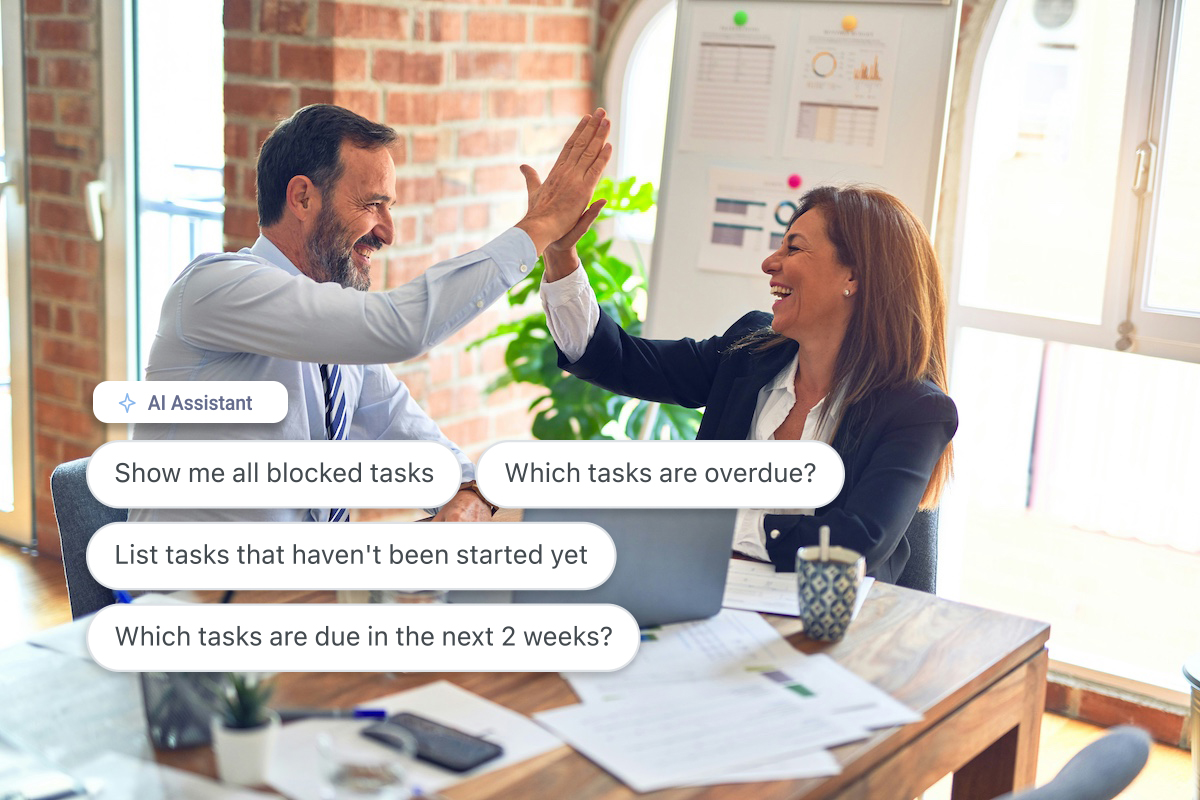
Launch task-linked apps with project and task details already filled in, and use the AI assistant to ask questions based on what you are viewing and resume conversations later.
- Move from a task to the right app without leaving the platform
- Use embedded AI support while reviewing templates or portfolios
- Keep execution, guidance, and context connected in one workflow
Task-level resources
The skills and tools behind successful execution
PortfolioStack highlights 3000+ suggested learning pathways and supporting software for each task, giving teams clearer direction on how work gets done.
 PECB
PECB monday.com
 Smartsheet
 OSHA
OSHA PMIPECBmonday.comSmartsheetOSHAPMIPECBmonday.comSmartsheetOSHAPMIPECBmonday.comSmartsheetOSHAPMIPECBmonday.comSmartsheetOSHAPMIPECBmonday.comSmartsheetOSHAPMIPECBmonday.comSmartsheetOSHAPMIPECBmonday.comSmartsheetOSHAPMIPECBmonday.comSmartsheetOSHAPMIPECBmonday.comSmartsheetOSHAPMI
 Coursera
 Udemy
Udemy LinkedIn Learning
 edX
edX IIBACourseraUdemyLinkedIn LearningedXIIBACourseraUdemyLinkedIn LearningedXIIBACourseraUdemyLinkedIn LearningedXIIBACourseraUdemyLinkedIn LearningedXIIBACourseraUdemyLinkedIn LearningedXIIBACourseraUdemyLinkedIn LearningedXIIBACourseraUdemyLinkedIn LearningedXIIBACourseraUdemyLinkedIn LearningedXIIBACourseraUdemyLinkedIn LearningedXIIBA
Built for real workflows
Use PortfolioStack across planning, tracking, and execution
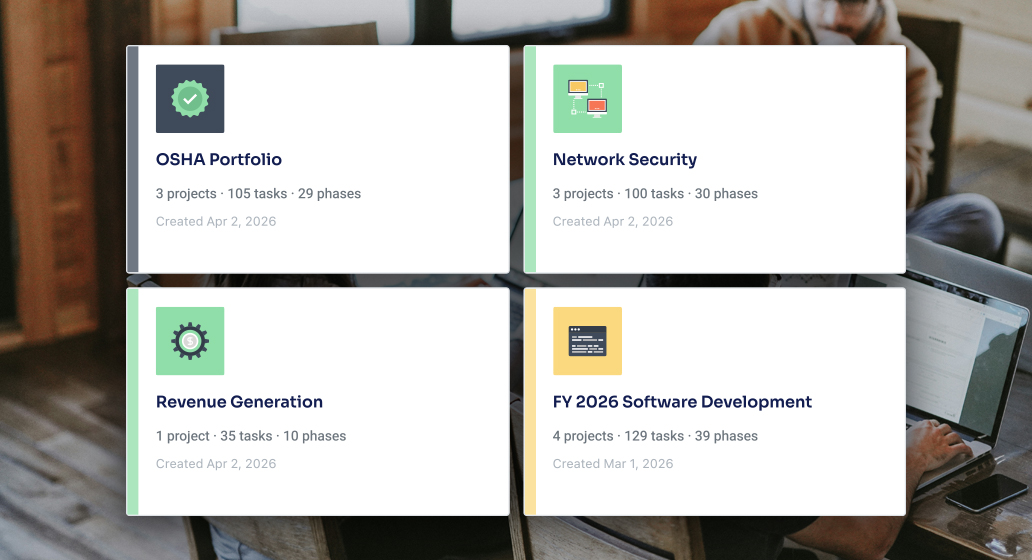
Portfolio planning
Build working portfolios from structured project foundations and keep related work grouped in one system.
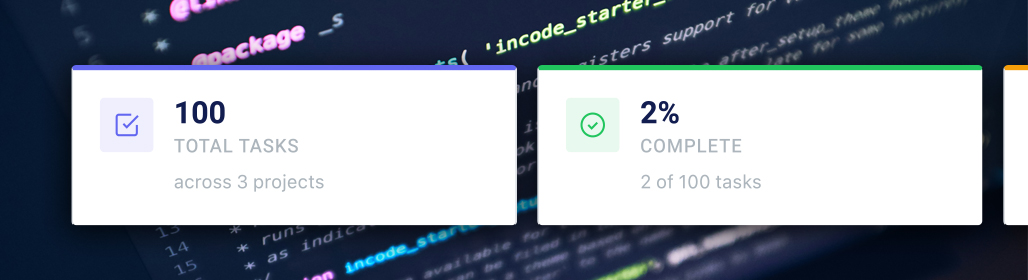
Delivery tracking
Monitor progress, dates, costs, and dependencies across projects with live views designed for ongoing execution.
Compliance tracking
Keep requirements, evidence, and supporting work visible alongside task execution and portfolio progress.

Product FAQ
Common questions about the product
A few of the most common questions visitors ask before creating an account or upgrading.
No. You can browse the project catalog and open project details without signing in. An account is required for actions like saving favorites, creating portfolios, editing portfolio data, receiving notifications, and using the AI Assistant.
Project detail pages let you inspect the plan, rules, measures, skills, and tools for a project. You can also share the page, export project data, and add the project to a portfolio when signed in.
Portfolios give you live views across projects, including the editable grid, metrics dashboard, timeline, and resources tabs. Instead of looking at a read-only plan, you can manage active work as dates, cost, status, and notes change over time.
Apps are task-linked workspaces used to create or manage the artifacts tied to specific tasks. They can be opened from the portfolio grid or resources views and launch with project and task context already filled in.
The AI Assistant lives in a persistent chat drawer. It offers page-aware suggested prompts, streams responses in real time, and saves chat sessions so users on paid plans can resume earlier conversations later.
Start exploring the product now
Search projects, review details, and see how PortfolioStack works before creating an account.